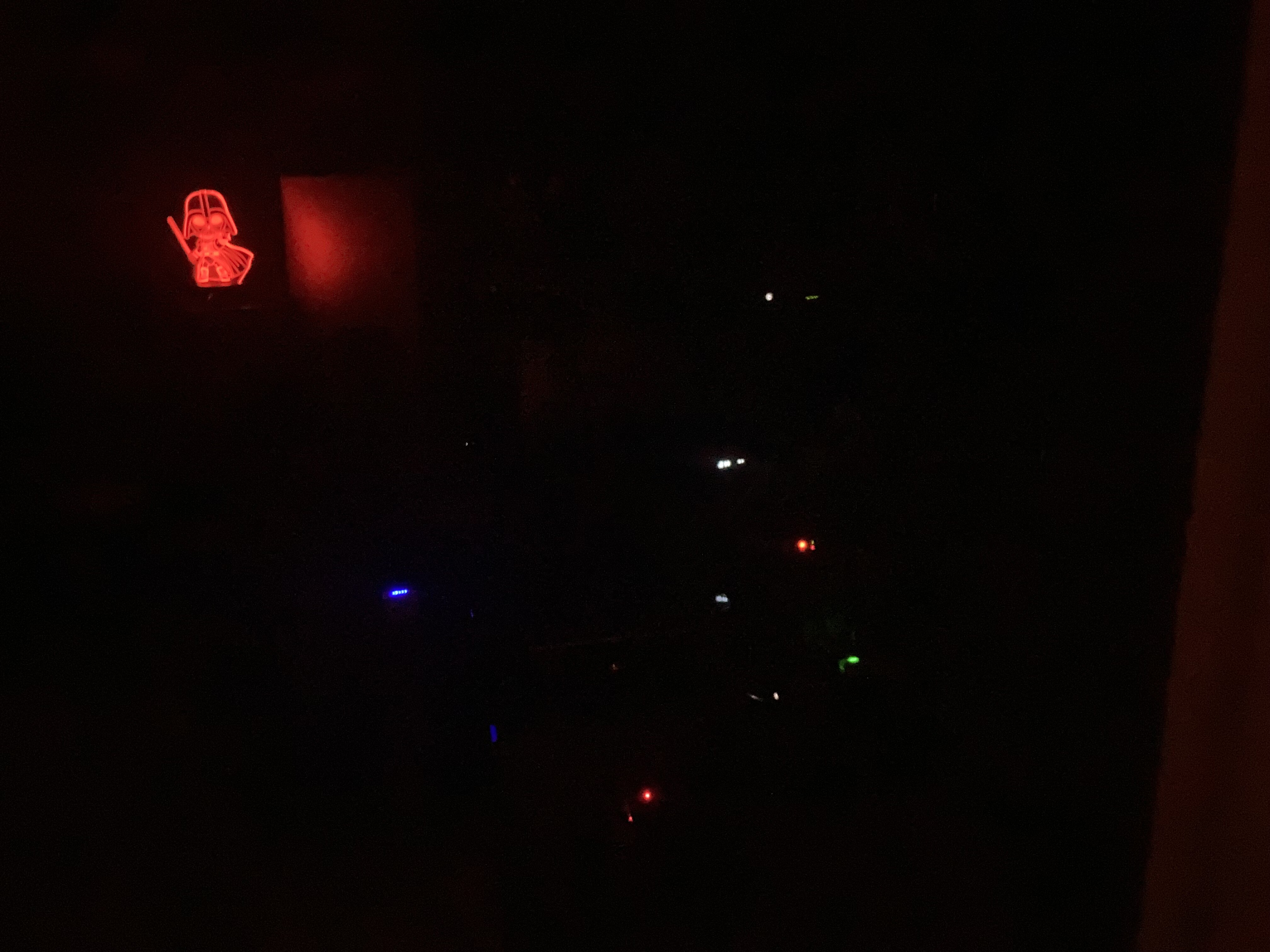
@hifiDJ sometimes I reposition components depending on the color of the LED’s in order to give me a light show…lol you would freak out in my office w/so many various colors of LED’s and meters. Hell just to complete the light show I added a little 3D holographic Baby Stewy from family guy dressed as Darth Vader and pulse his output to the beats 
2 Likes
You have the Amber LED. I’d just stare at that halo into the deep unknown…
Also, if you are having volume issues with the Amber at the moment, you may want to cross out any of the DHT Lampi DACs for the future. It may have too much gain for you. Or, plug a power-hungrier headphone to that chain.
3 Likes
Now I’m kind of curious how that looks. Lol
I will keep that in mind, thanks. There’s also the option of opting in for one with a volume control, if I’m not mistaken (expensive as I assume it will be).
1 Like
Yes, you can get Lampis with volume control, in which it will act as a preamp and DAC in one box. I don’t believe your Allnic takes a pre-in in order to use your Allnic as a power amp, no?
1 Like
You would just max the volume on the allnjc (or near max), or use a combination of both dac and amp volume
4 Likes
Yeah doh. I now just remembered that the Horizon demo guy uses it in this way. He does Lampi to Lamm pre to Lamm power. He maxes the Lampi to pass it through though. He loves his pre too much to remove it.
1 Like
Get a pre and be done with it. You may wind up loving the combination of the three more than the two alone*. Or sell the Allnic and of course, upgrade from there.
*often the sitution in our hobby, that the solution for having spent a chunk of change is someone telling you that spending another chunk of change will make it better still.
3 Likes
@hifiDJ
To be honest, it really is use case. If you want full control and full access to your synergy, yes, all separates is the way to go. An awesome pre goes a crap ton of a way too.
For me personally, after staring at my rack that had 8 boxes, with their own power cords, I definitely had a desire to get a really nice integrated to clean up the number of boxes. One that would surpass the performance of my pre + power combined. Anyways, use case.
2 Likes
The Amber to a Pass X2.5 was a very good pairing. You can find those for a bit under $2K.
3 Likes

Has anybody tried their amber on a mac?
When my macbook goes to sleep, it automatically disconnects the amber via usb for some reason. So every time I open it, I’d have to disconnect then reconnect the connection. It doesn’t happen with other dacs I’ve used so it’s a bit weird.
I’ll assume yours has the amanero USB, in which case it doesn’t surprise me.
It is the only USB I have ever seen that has two different Bioses, one for windows and one for Linux.
I can’t say I’ve tried it on a Mac.
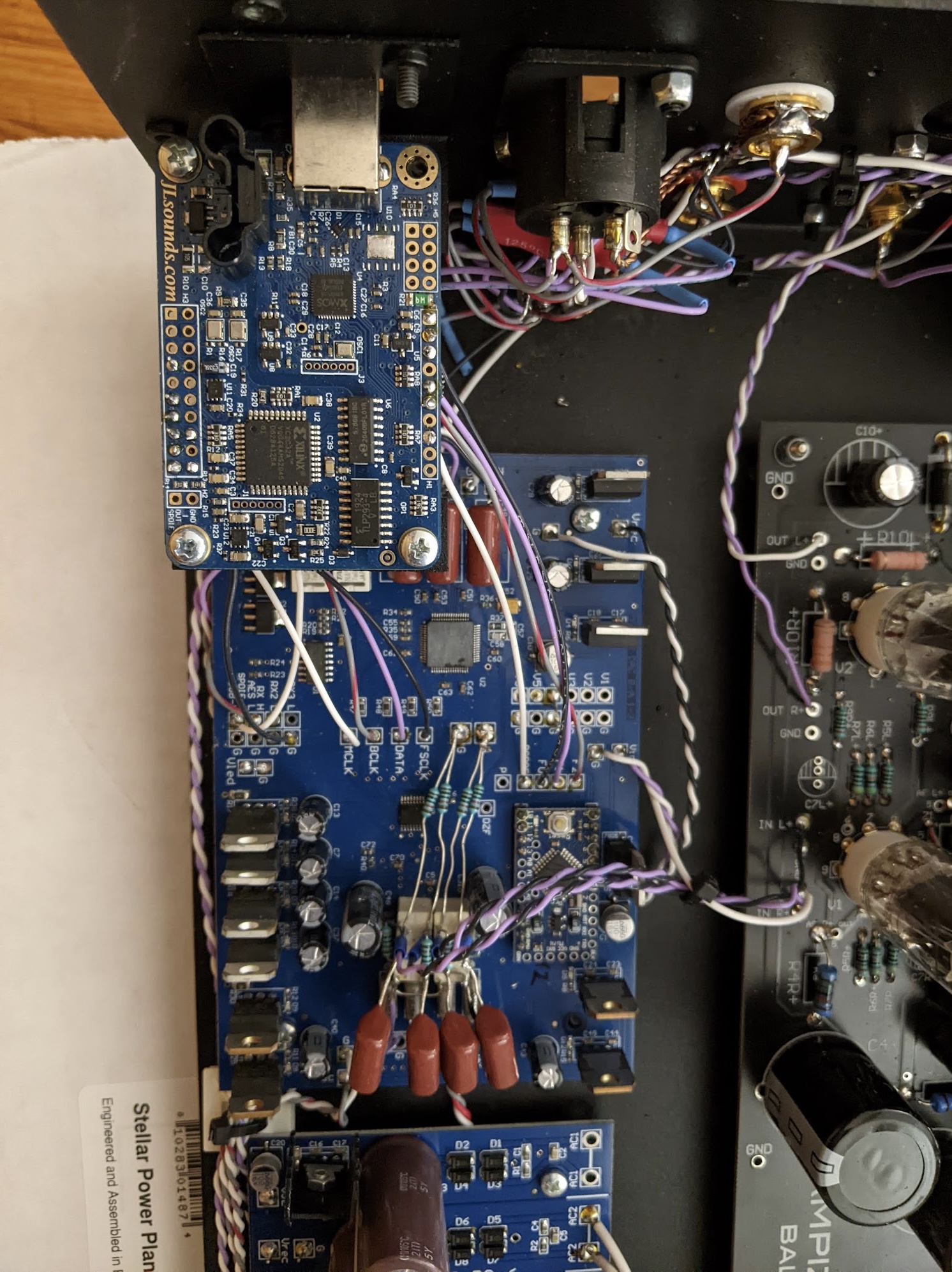
Yes, that’s the Xmos based one they moved to, I suspect as much because of the hassle of explaining how to flash firmware with the amanero boards much as any sound quality difference.
I’d expect that to largely behave like every other xmos based DAC
1 Like
I use my phone as a source these days instead of my computer, but I for-sure used to have this happen when using my MacBook Pro with both the Singxer SU-2 and the iFi iGalvanic. Unfortuntely, I don’t really have any advice about how to fix it.
1 Like
Yeah it’s just one of those quirks I’ll have to live with (I’ve found no workaround either). It would have been nice to be able to push the button on the front to disable/enable but I have to disconnect the whole cable unfortunately.
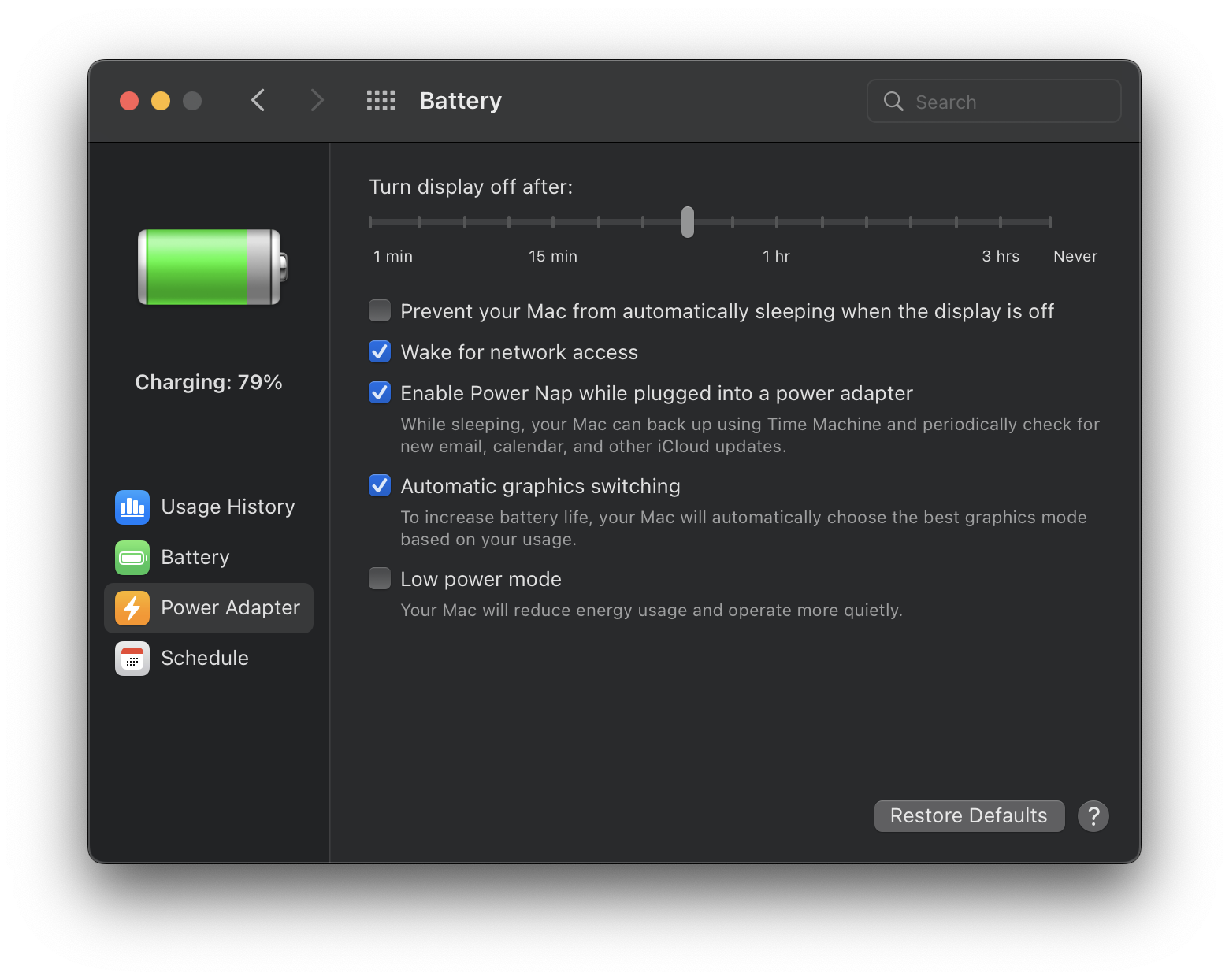
Maybe you could prevent the Mac from sleeping altogether? The top battery option keeps your Mac from sleeping even when it turns off the display, though I guess you’re maybe just trading wear-and-tear on the cable for wear-and-tear on your computer:
3 Likes
I have all that originally turned off (it only disconnects when I close it). I suppose I could leave it open at all times, but I feel it’s more practical to just connect/disconnect.
The entire audiophile experience in a nutshell
4 Likes
Windows has a lot of power settings like that. For mac i am not sure. If you close the laptop and it dies then maybe its more of a hard coded mac thing.
1 Like